Produktland Podcast on AI in product management Listen →
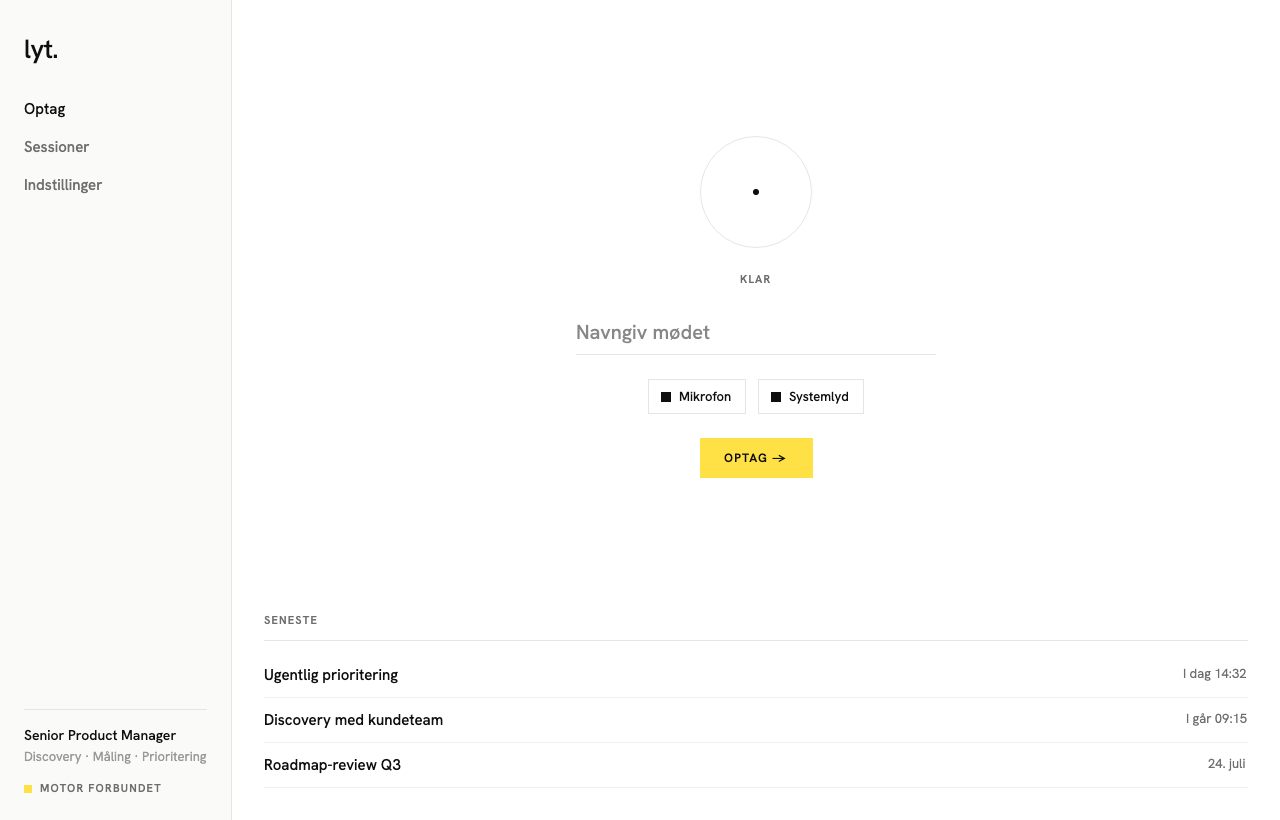
 The same coach as on iPhone and Mac, but on a PC it also catches the other side of the meeting. If you run Teams or Zoom with a headset, both what you say and what the others say gets recorded.
About 44 MB · Windows 10 or newer · no installation · ARM64 build for Surface and similar
On the phone, Lyt only hears you.
That is fine for a meeting around a table. But most meetings today happen through a screen, and there the other voices sit inside the machine, not in the room. A phone on the table does not catch them.
The Windows version records the microphone and the machine's own audio at once and mixes them into one recording. The coach can therefore see what you were responding to, not just what you said.
That is the difference between getting feedback on a monologue and on a conversation.
One file, no installation. The first time, Windows asks whether you trust the program. See below.
Lyt runs on your own or your workplace’s AI key. Anthropic, OpenAI or Azure OpenAI. Meeting data goes to your own account, not to mine.
Turn on system audio if the meeting runs in Teams or Zoom. Then what the others say gets picked up too.
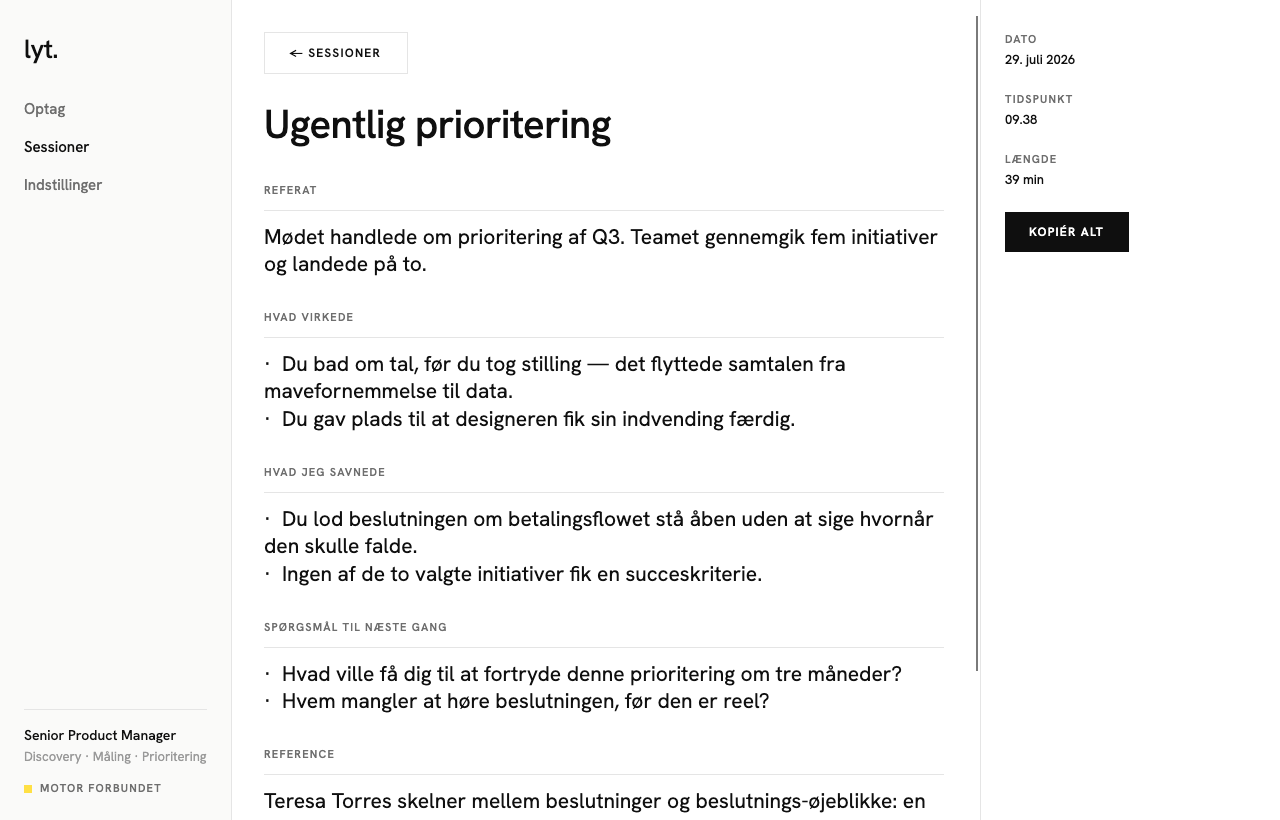
The feedback is quoted from your own meeting and tied to the skills you chose to work on. Not a summary, and not general advice.
Ready?
Download the file, add your key, and hit record before your next meeting.